
What is Stay On Top?
A lightweight Windows tray utility that pins reference docs, monitors, chat, and more always on top while you work.
No busy dashboard—just quiet pinning from the tray. Besides ordinary desktop apps, you can also pin windows that Chrome extensions (and similar tools) open as their own OS windows, separate from the main browser. From a personal desk to organization-wide rollout, unlock full use with a signed StayOnTop.lic.
OS: Windows 10 / 11 (x64 / ARM64) / UI: 10 languages (follows display language) / Admin rights: not required
Get the trial » Buy a license » See features » See setup recipes »
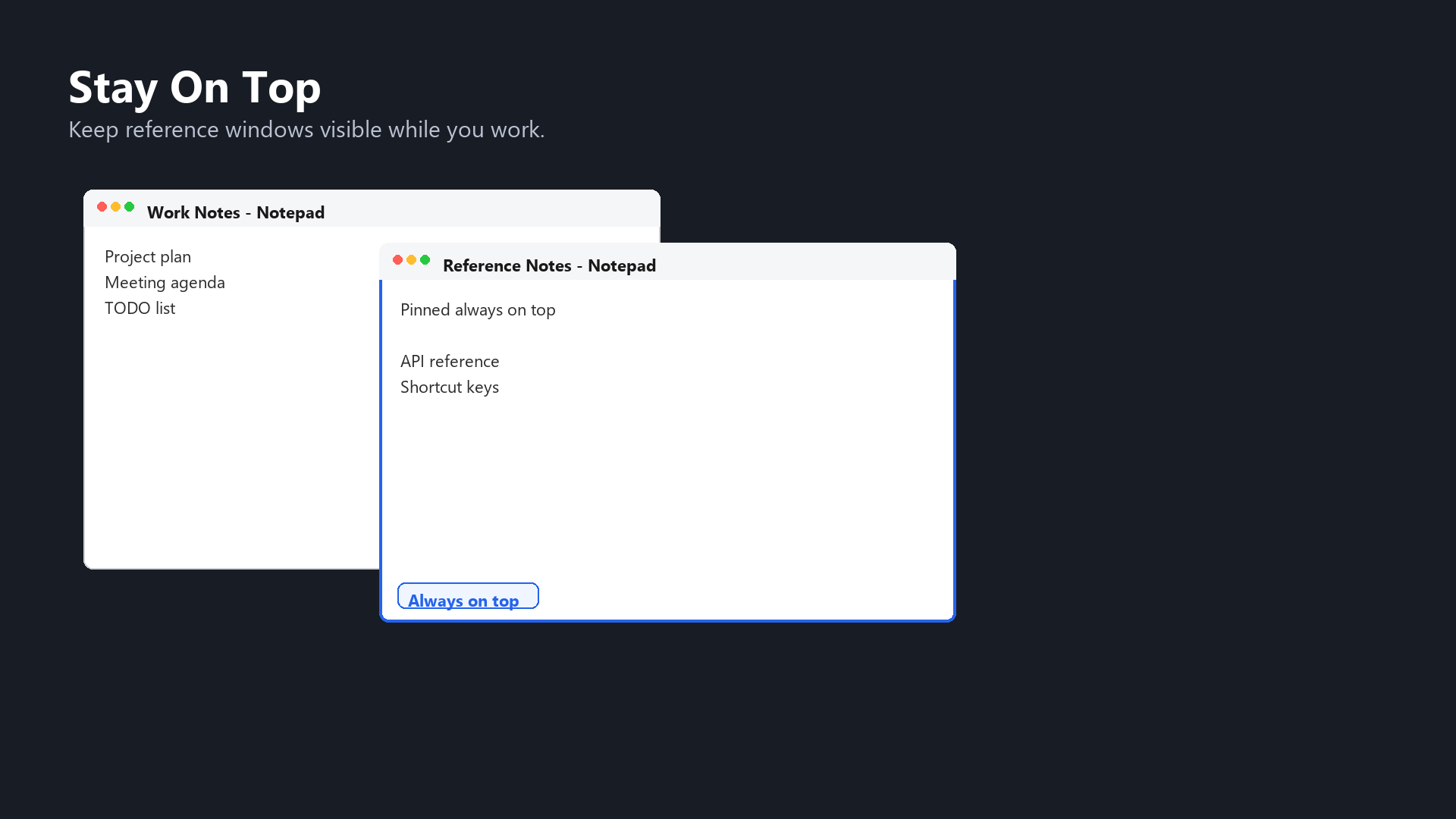
Who it is for
- Work from a reference: keep a spec, PDF, or manual in front while typing elsewhere.
- Never lose a monitor: leave logs, dashboards, or camera feeds permanently visible—optionally keep them in a corner with move bounds or initial position.
- Stay reachable: pin chat or meeting pop-outs so other apps cannot bury them.
- Tame tiny or oversized windows: expand with a minimum size, or cap growth with a maximum size.
- Keep extension helper windows up front: pin popup or panel windows that Chrome extensions open as their own windows above your work.
- Same policy at scale: distribute one site-license
.licacross many PCs.
What you can pin
Stay On Top pins anything Windows treats as its own window. That includes ordinary titled apps—and, when they appear in the register / clear list, windows like these:
- Browser-extension windows: popups, panels, or tool windows that Google Chrome (or similar Chromium browsers) extensions open as separate windows, not as a tab inside the browser.
- App helper windows: settings dialogs, previews, or floating panels opened apart from a main window.
- Small monitor or messaging windows: log viewers, chat, or meeting pop-outs.
The key is not “a Chrome tab itself,” but whether the extension or app is shown as an OS-level window. If it appears in the picker list, you can register it and keep it always on top like any other window.
Key features
- Enable features (master ON/OFF): pause or resume all saved rules at once. You can still register or clear patterns while OFF; turning ON applies them.
- Always-on-top register / clear: pin visible windows (including Chrome extension windows). Title match is partial and case-insensitive; patterns with
*?[…]match the full title as wildcards. - Minimum / maximum size: auto-expand windows that are too small, or shrink ones that grow too large. Set the rectangle with an on-screen size picker (8 handles + confirm).
- Move bounds: keep a window inside a screen rectangle. While you drag by the title bar, the cursor is constrained so the window cannot leave the area (no correction while maximized).
- Initial position: when a window reappears after being hidden, restore only the registered top-left position (does not change size; not while maximized).
- Tray usability: each register/clear submenu starts with a foreground window row, hover tooltips, and clear/re-register actions—including clearing patterns whose windows are not currently visible.
- Multiple pins and z-order: pin several windows; higher lines in
config.txtstay in front. - Multi-monitor: works with virtual-desktop coordinates (including negative origins) across displays.
- Periodic re-apply: keeps pins and size/position rules from being buried by other apps.
- Local settings: stored in
%APPDATA%\StayOnTop\config.txt(UTF-8 recommended); also loaded at startup once licensed. - Clean exit: clears all pins when quitting. Optional launch at sign-in.
- Offline use: no always-on network; the web is used only for purchase, resend, and PC ID add. UAC / Windows Security dialogs are excluded from pinning.
Screenshots
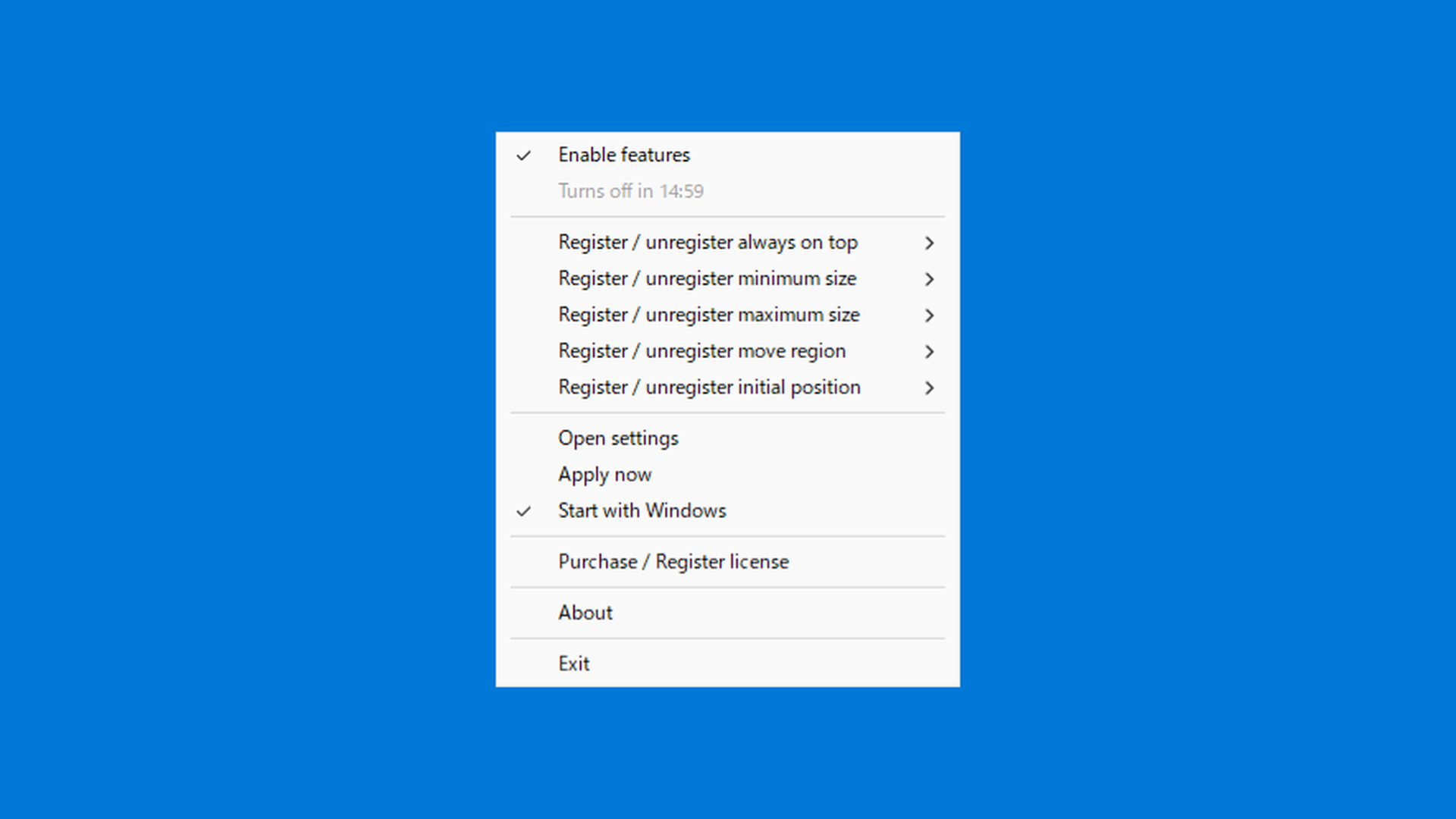
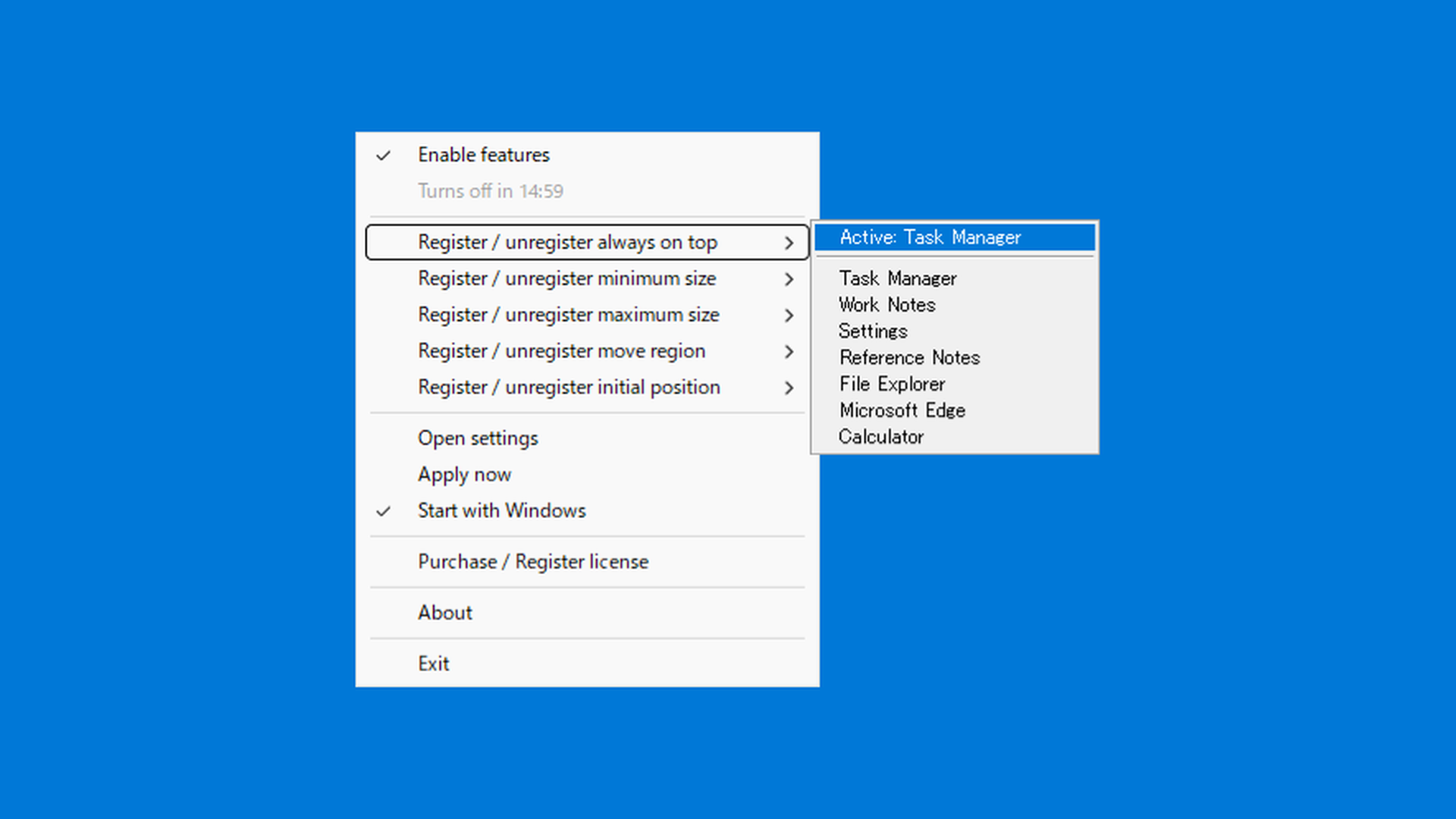
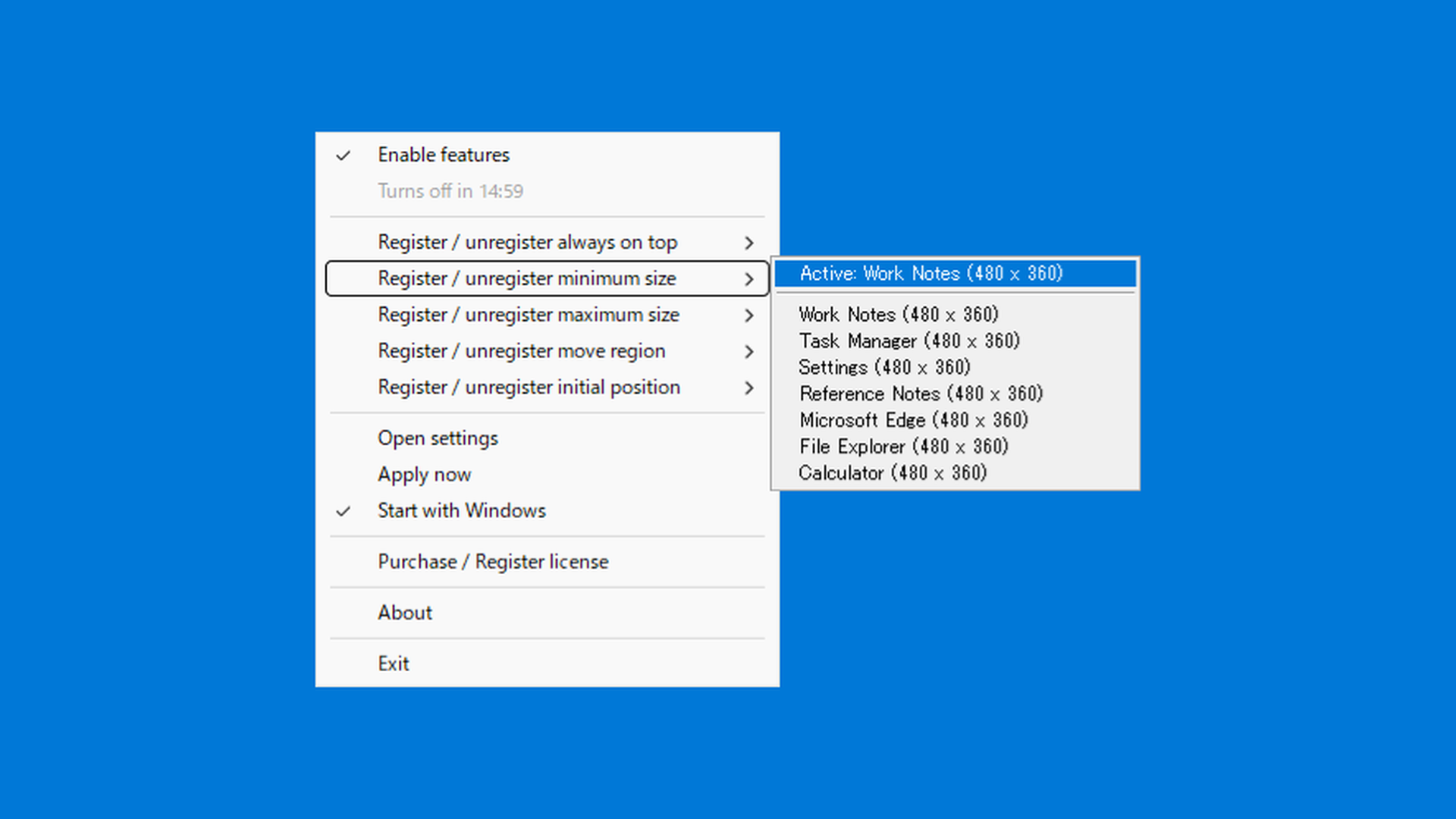
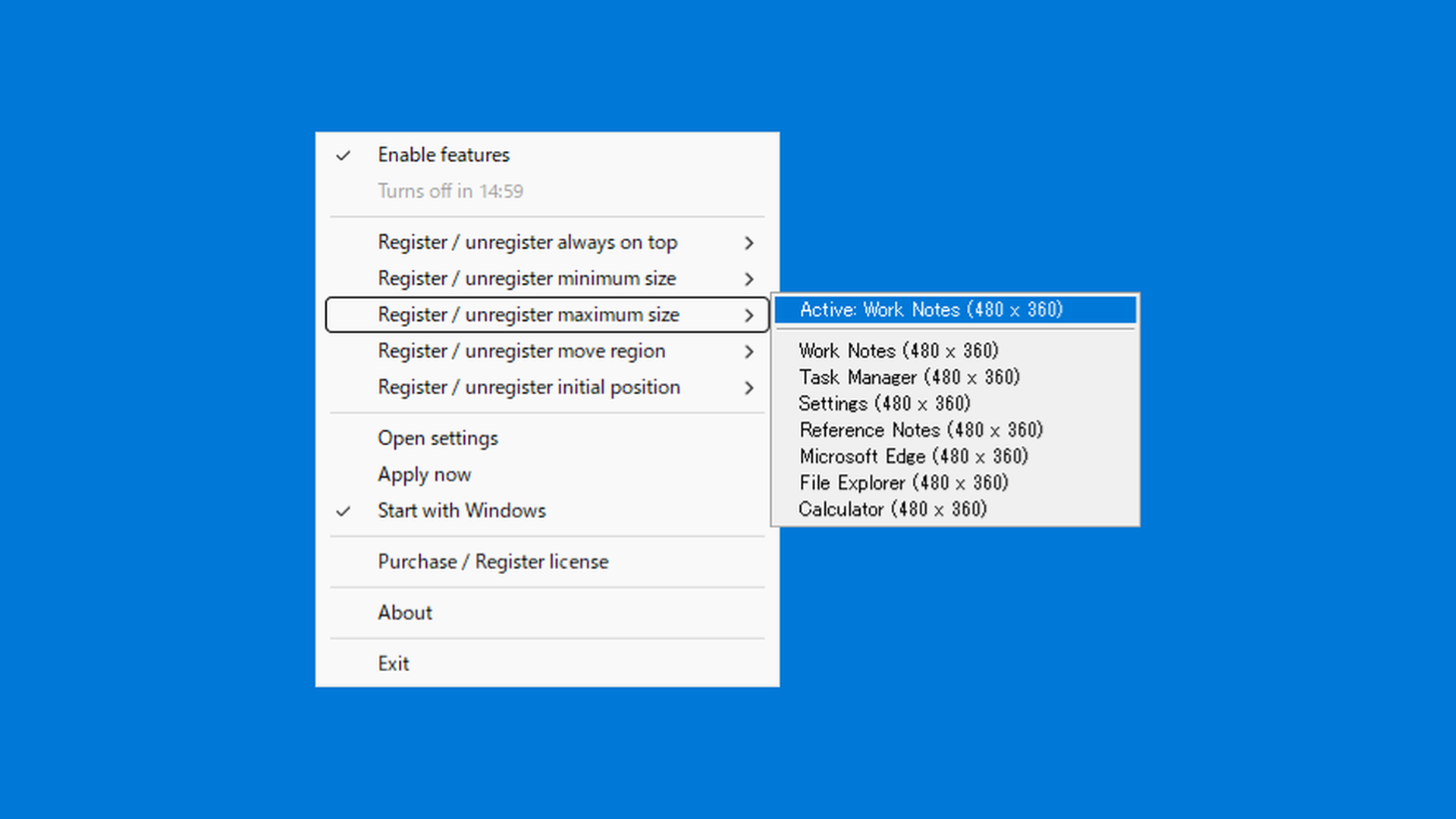
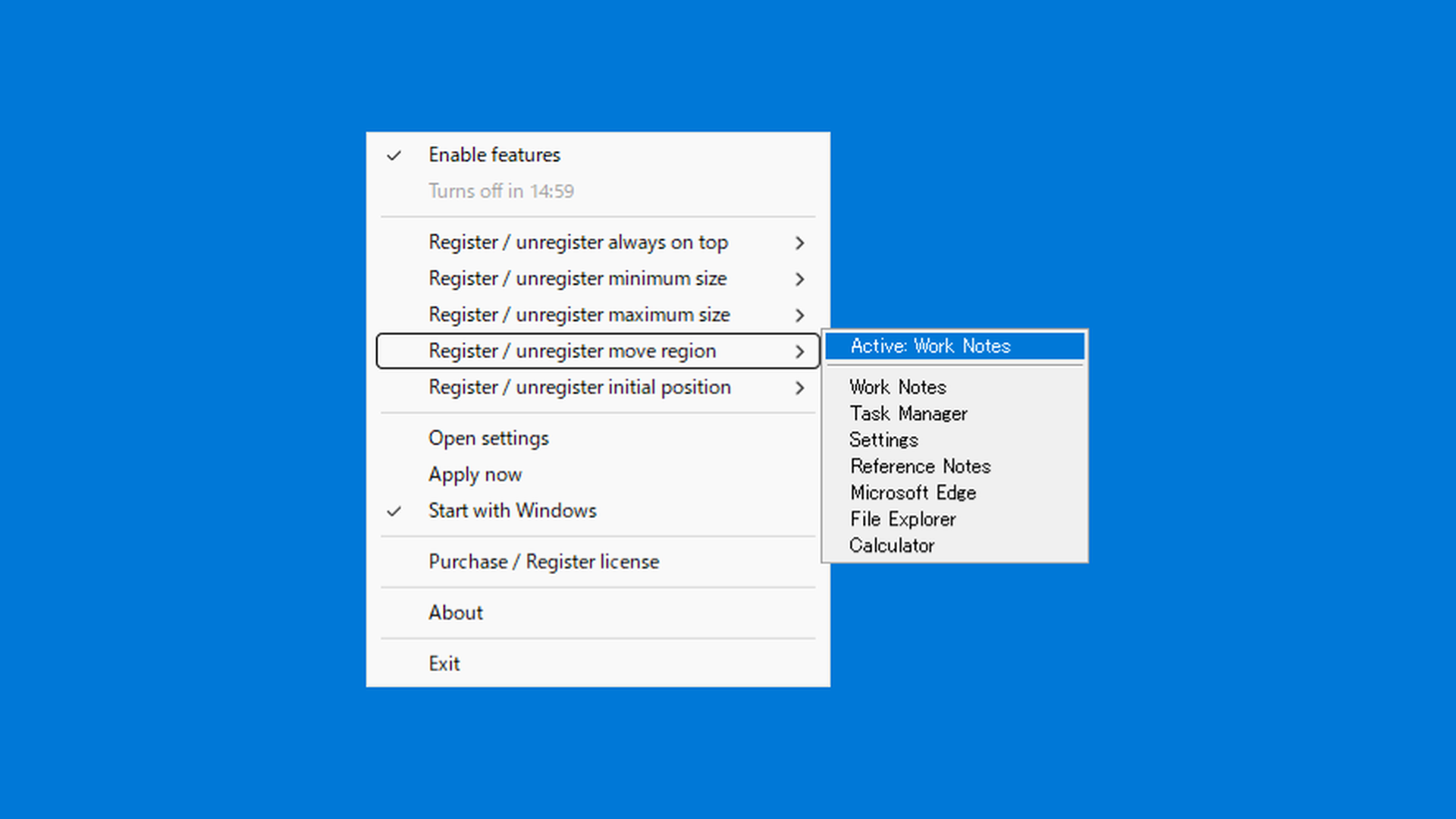
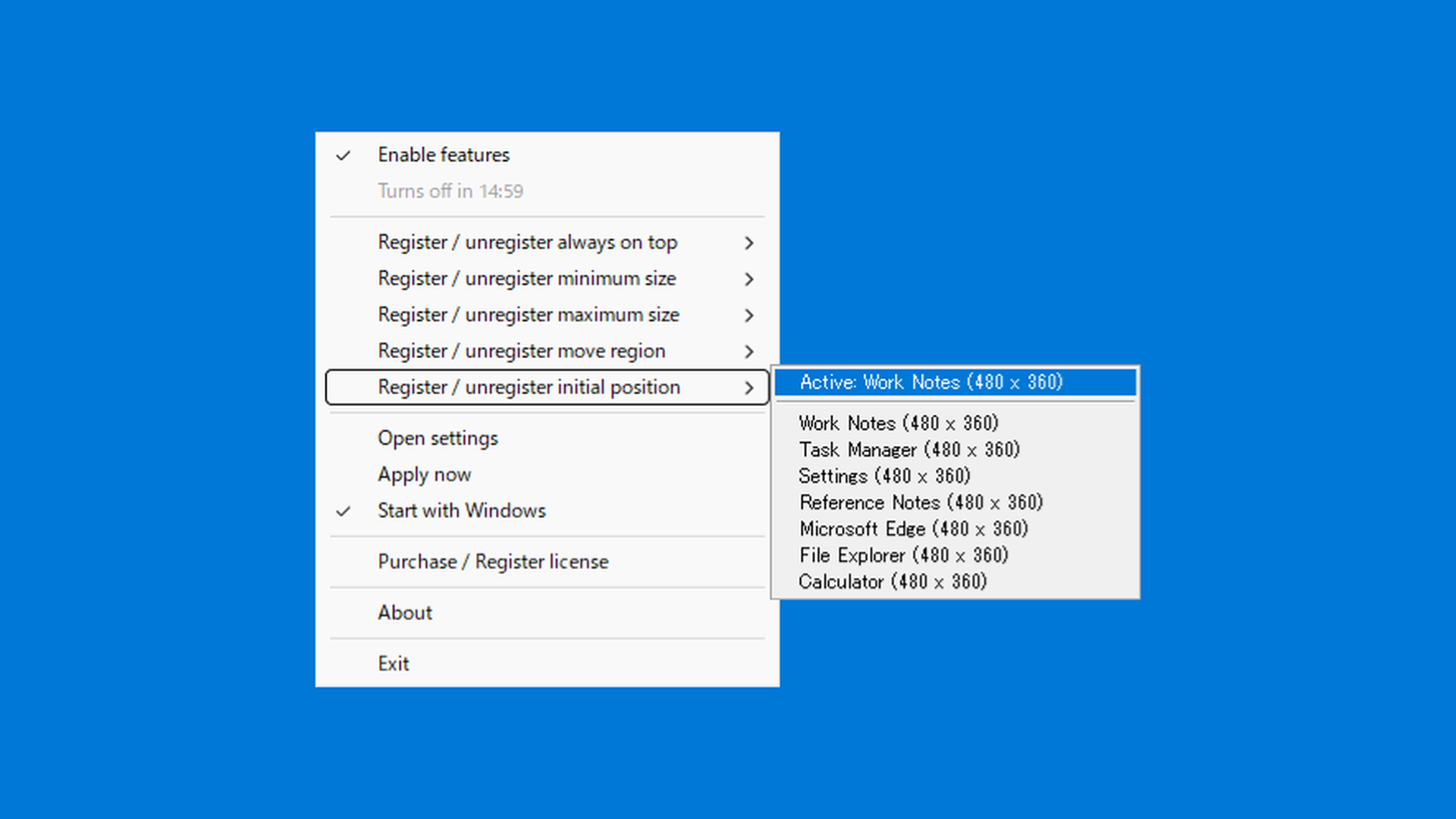
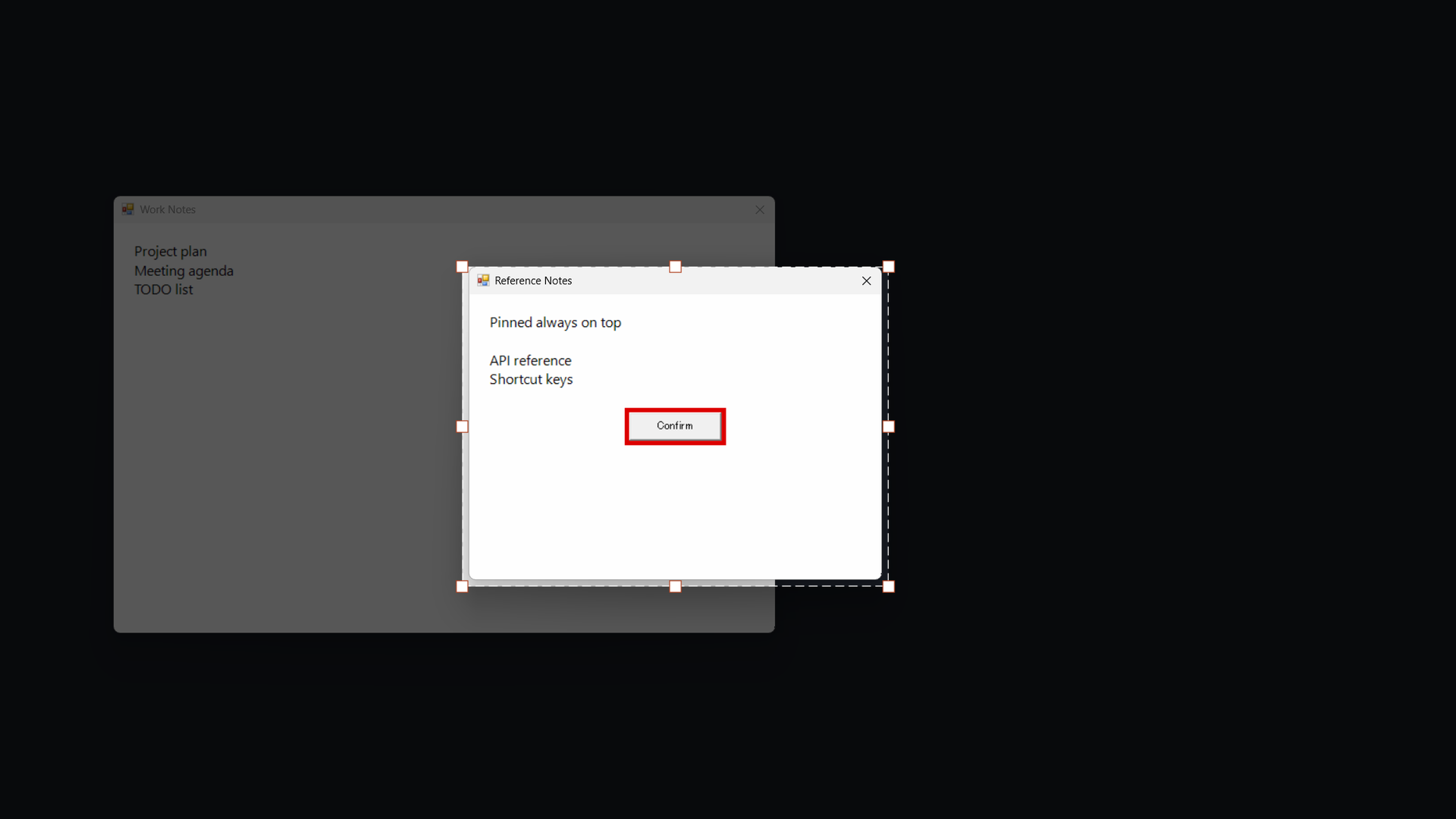
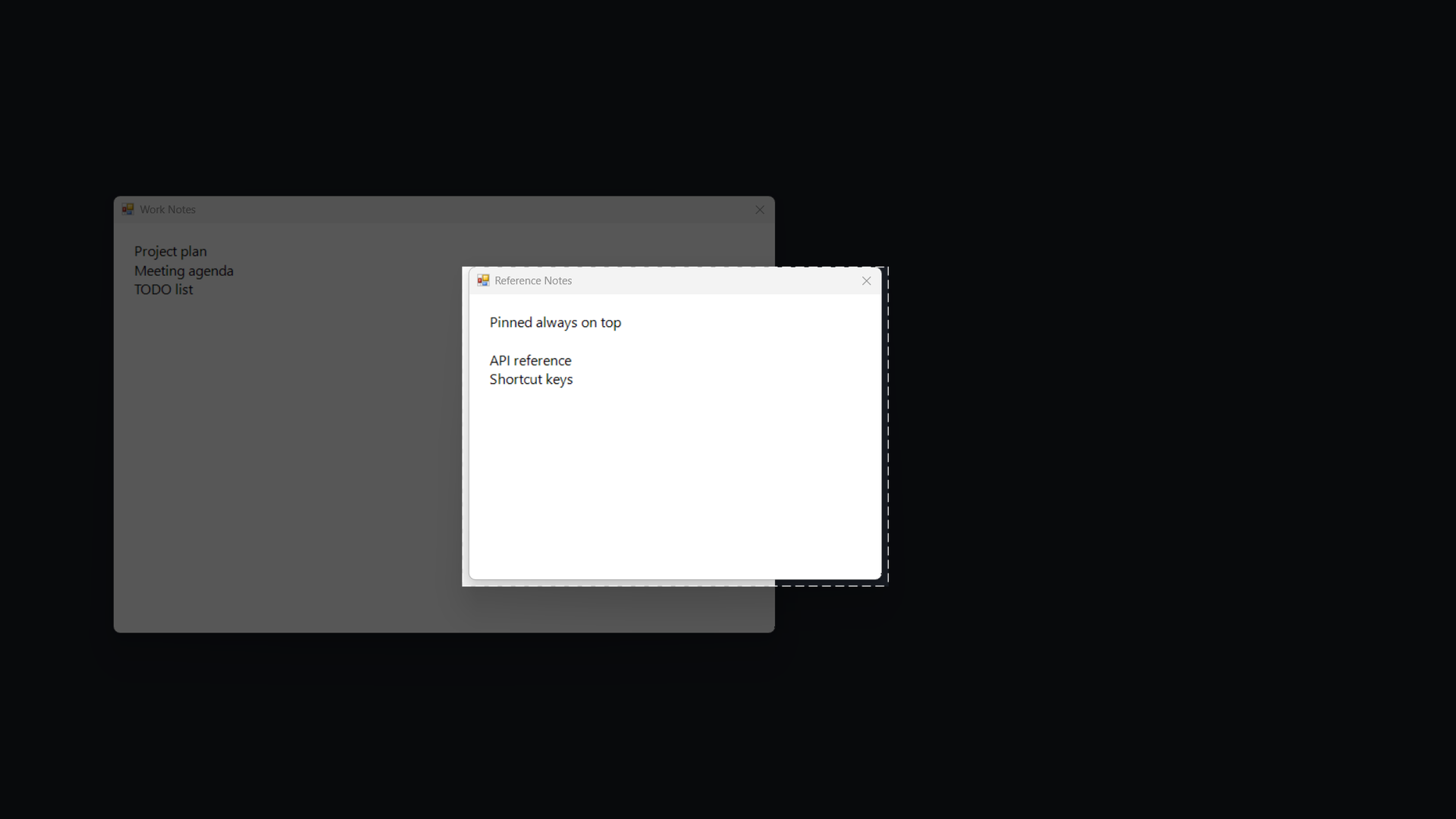
Screens are the latest product shots prepared for Vector listing (the always-on-top concept image is at the top of this page).
How to use
- Get the trial and run the matching
x64\orarm64\StayOnTop.exe(it stays in the tray). - From the tray, use Always-on-top register / clear to pick windows. Add min/max size, move bounds, or initial position if needed.
- Turn Enable features ON so saved rules start applying.
- When the trial feels right, open Buy / register license and place
StayOnTop.lic.
While unlicensed, turning Enable features ON auto-offs after 15 minutes and clears pins (warning at 14 minutes). Turning it ON again starts a new 15-minute session. Settings are not loaded at startup (writes still happen). Try before you buy (refunds after purchase are generally not available).
Handy setups by situation
Combine the tray register/clear menus for common pain points. After licensing, settings load at startup so you do less manual cleanup each time.
-
The window opens too small every launch

Example: a legacy tool or helper panel always starts tiny.
- With the window visible, set minimum size and maximum size to the same width and height (draw the desired rectangle in the size picker, then register that size for both min and max).
- Optionally also register always on top.
- Turn Enable features ON.
Equal min and max pulls the window to that exact size—handy when startup windows are too small to use.
-
Work from a reference (pin only)
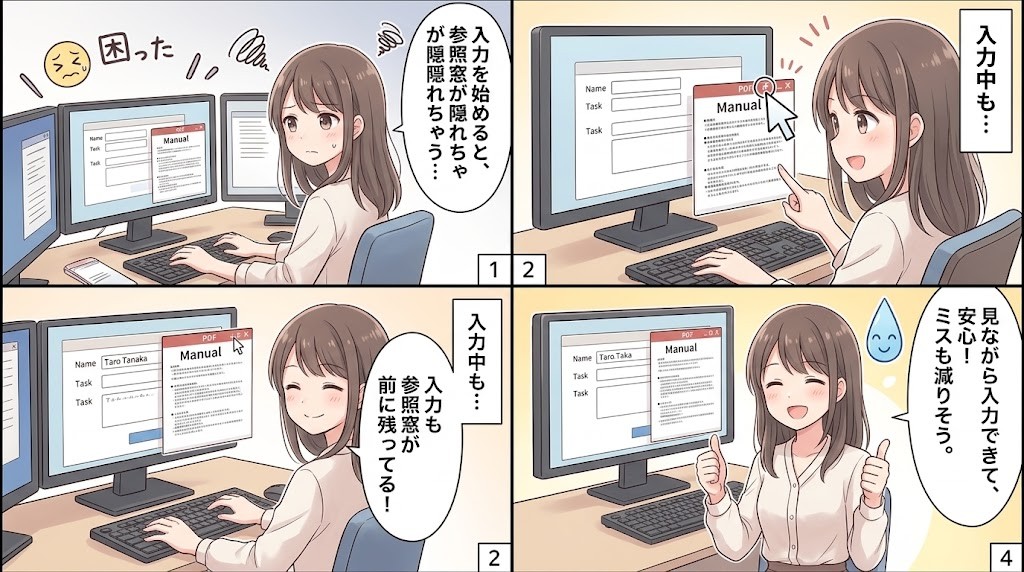
Example: keep a PDF, spec, or manual in front while typing elsewhere.
- Register only the reference window under Always-on-top register / clear.
- Turn Enable features ON.
Shortest setup when you only need “do not bury this window,” without changing size or position.
-
Keep chat or a monitor in a screen corner
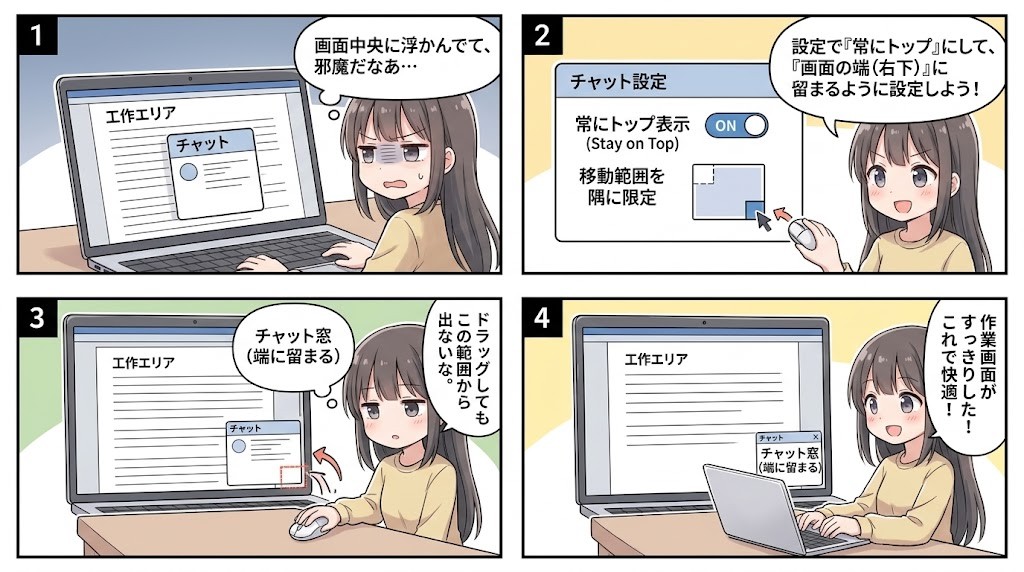
Example: messenger or log windows should stay visible without covering your work area.
- Register always on top.
- Set move bounds with the region picker to the allowed rectangle.
- Optionally add a minimum size so the window stays readable.
While dragging, the window is harder to pull outside the area, so it stays up front without dominating the desk.
-
After hiding, it reappears in random places
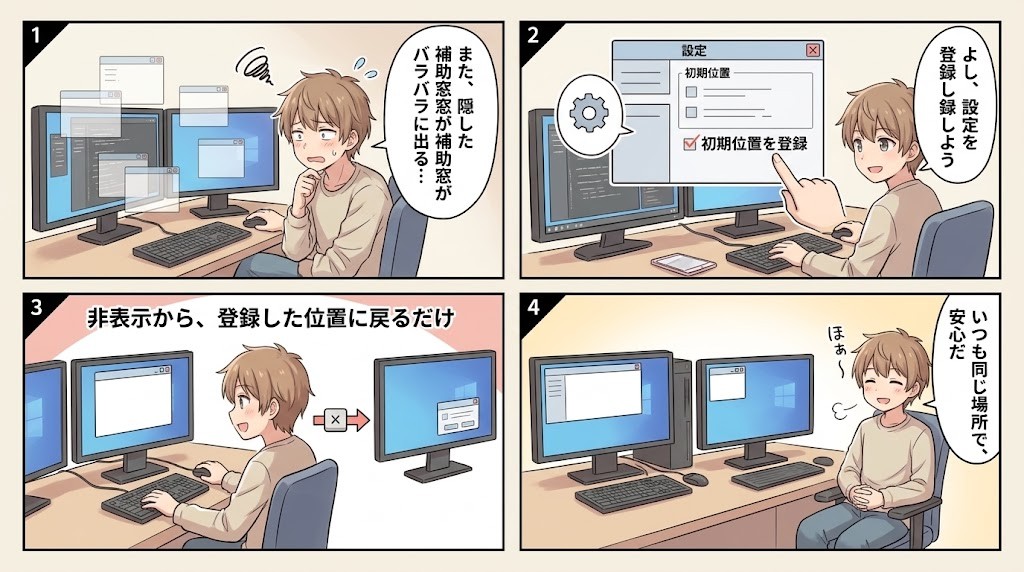
Example: a helper window returns somewhere else after minimize/hide.
- Move it where you want it, then register initial position.
- Optionally combine with always on top.
On hide → show, only the registered top-left position is restored (size is unchanged; not while maximized).
-
Players or previews grow too large
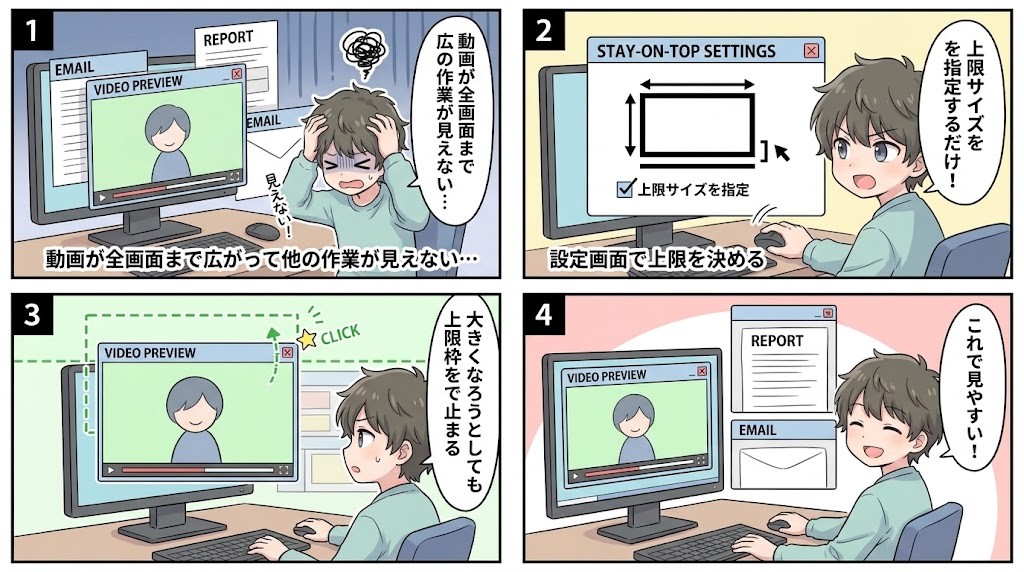
Example: a video or preview expands until other work disappears.
- Set only a maximum size for the largest allowed width and height.
- Register always on top if you still want it in front.
Max without min means “may shrink, but cannot grow past the cap.”
-
Treat similar titles as one rule
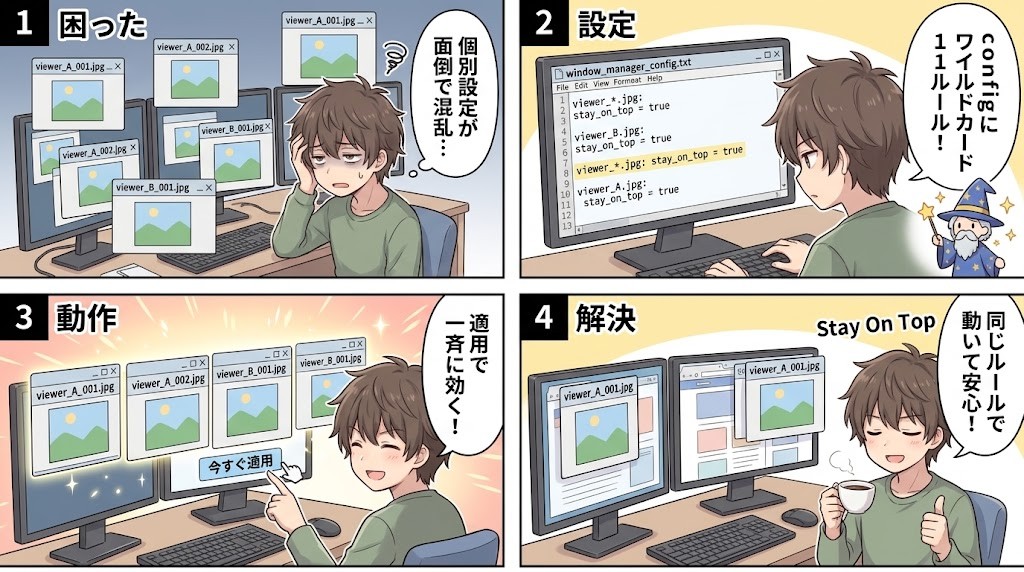
Example: a viewer whose document name changes, or windows that differ only at the end of the title.
- Open Settings (
config.txt) and use*or?in the pattern (full-title wildcard match). - Add min/max, move bounds, or initial-position values on the same line / tab columns as needed.
- Use Apply now, or confirm after restart.
Use wildcards when plain partial match is not enough, so similar windows share one rule.
- Open Settings (
Settings are stored in %APPDATA%\StayOnTop\config.txt. During trial they are not loaded at startup, so try the recipes while Enable features is ON. After licensing, they apply automatically at launch.
Licensing and pricing
Formal use requires StayOnTop.lic. Payment is via Stripe; issue, add, and resend run on conexsoft pages.
| Type | Details | Guide price |
|---|---|---|
| Personal | Up to 3 PC ID slots, perpetual. For the purchaser and household family at home. Work / school / org use needs a site license | JPY 580 |
| Site (term) | 100–1000 PCs (steps of 100) × 1–10 years. After expiry, the app returns to the unlicensed 15-minute limit | JPY 29,000 / 100 PCs / year |
| Site (perpetual) | Same capacity, perpetual | JPY 380,000 / 100 PCs |
- Purchase: pay with a PC ID → receive .lic / License ID on the success page and by email.
- Add PC ID: with the latest .lic and purchase-email OTP, fill a free slot (personal up to 3; repurchase when full).
- PC ID note: a PC ID may change after reinstalling Windows or similar. You can add the new ID to a remaining free slot, but you cannot replace or remove an already registered PC ID.
- Resend: get the latest .lic with License ID and purchase email.
- Privacy: PC ID is an irreversible hash of MachineGuid. Settings and the license stay on the PC; there is no always-on cloud traffic.
Quality and rollout confidence
Built for personal desks and for schools or companies rolling out at scale.
- Verification: automated core tests plus E2E with real windows.
- License protection: HMAC-signed
.licwith PC ID hash matching. - Privileges: daily use does not need elevation; avoids nagging UAC.
- Languages: EN, JA, ZH (Hans/Hant), KO, ES, FR, DE, PT, RU; others fall back to English (optional env override).
- Distribution: official site (
StayOnTop.zipfor personal /StayOnTop_Enterprise.zipfor org, both x64 / ARM64) and Vector freeware listing, plus paid unlock via license purchase.
Summary
Stay On Top is a small tool for keeping only the windows you need quietly in front—always on top plus optional size, move bounds, and initial position—from ordinary apps to Chrome extension windows—favoring reliability and a complete license flow after purchase.