Browser Tab Recorder
 Records the tab, window, or screen you choose in Chrome’s screen-share dialog together with system or tab audio as a single WebM file (VP9 + Opus). Start, split, and save from one popup.
Long sessions are written to disk cache (IndexedDB) in chunks. Auto-split or stop based on blackout, still frame, and silence rules. Preview, merge, and export segments from the same interface.
Actual screens
-
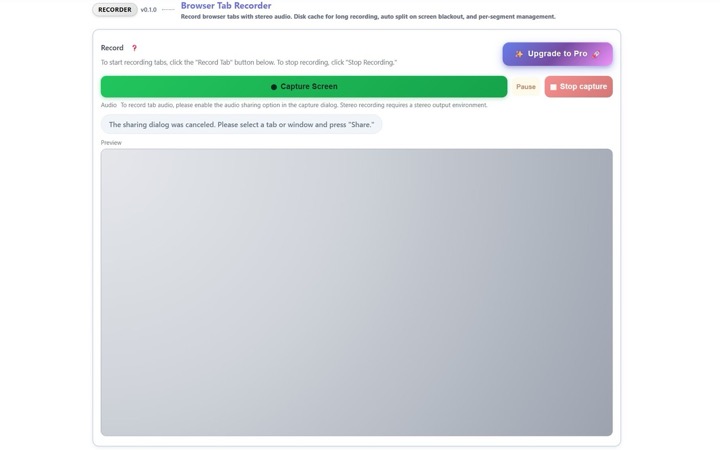
Start screen. Click “Capture Screen” to open the share dialog and pick a tab or screen. -
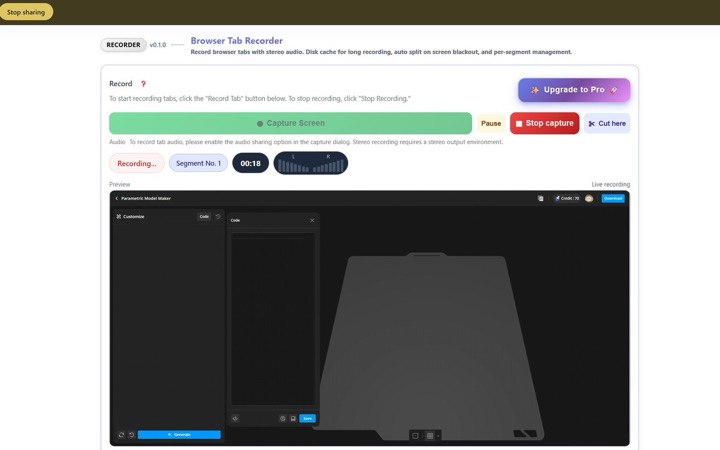
While recording, see live preview, elapsed time, segment number, and left/right audio levels. Use “Cut here” for manual splits.
-
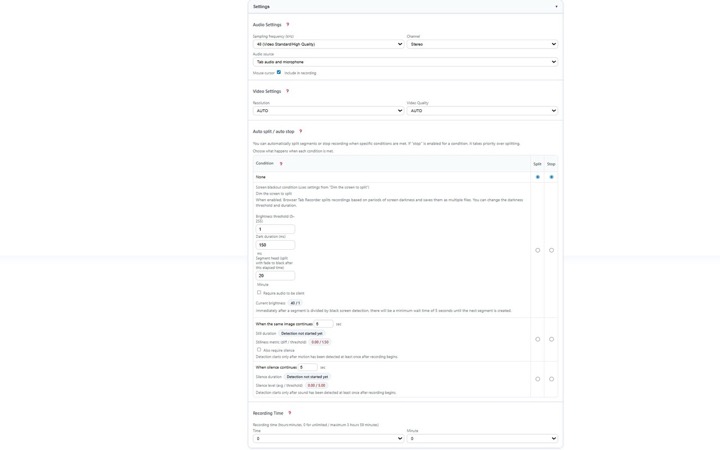
Pro settings example. Matrix for blackout / still / silence — choose split or stop. Stop takes priority over split. -
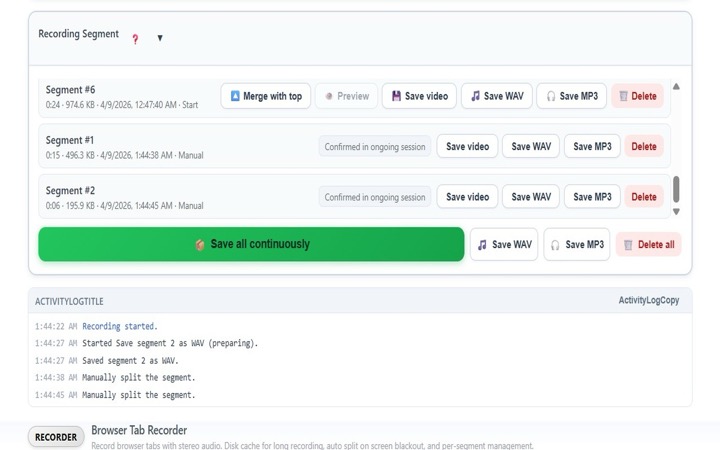
Segment management: preview, save, merge adjacent segments, rename, delete, and export WAV / MP3 / ZIP.
Good for
- Archiving streams and webinars
- Saving online lectures and training sessions
- Screen recordings for procedures and manuals
- Reducing demo retakes and long screen captures (follow each service’s terms and copyright rules)
Recording and audio flow
- From the popup, choose Capture Screen → pick a target in the share dialog (enable audio sharing in the dialog when recording tab audio).
- Tab audio only, or tab plus microphone. Silent recording mutes speakers while keeping audio in the file.
- Default is 48 kHz stereo. Choose whether to include the cursor.
- Long sessions write chunks to IndexedDB. On failure, memory fallback applies with a guard against unbounded growth.
Auto-split and segments
Use a matrix for blackout, still frame, and silence to choose split or stop. Stop wins when both apply. Segments support preview, save, adjacent merge (WebM merge), rename, and delete.
Free vs Pro
| Feature | Free | Pro |
|---|---|---|
| Recording time | Stops at 15 minutes per session | User-defined (including no limit) |
| Sample rate | 48 kHz fixed | Configurable |
| Resolution | AUTO only | Fixed 720p / 1080p |
| Video quality “High” | Not available | Available |
| Auto-split matrix | Not available | Blackout / still / silence rules |
Chrome Web Store and privacy
Listed as Browser Tab Recorder. Publisher: conexsoft. Rating 5.0, ~231 users, 56 languages. Developer contact: conexsoft@fujigoma.com.
Recording data stays on your device (IndexedDB / memory). Saving is user-initiated. Network access occurs only for authentication and license checks.