Continuous Automatic Page Capture
A Chrome extension that targets the tab in front when you open the popup, sends arrow keys or scroll events while capturing screens in sequence, and saves the images as a single PDF. Suited to e-book viewers and long documents or catalogs.
Processing stays inside the browser. Under normal use, page images are not sent to our servers.
How it works

-
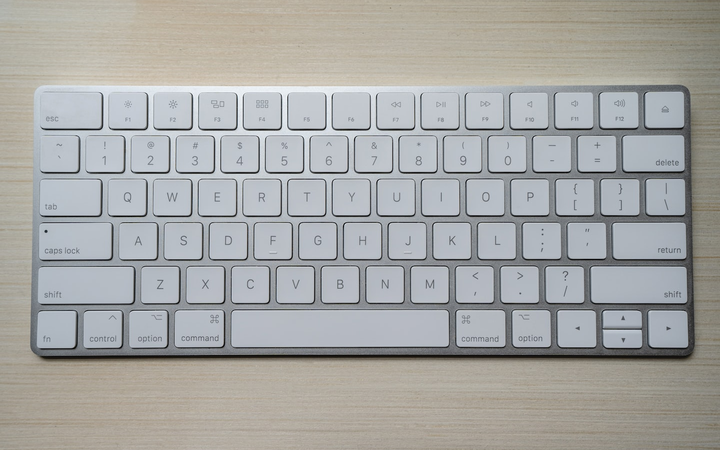
Assign page-turn keys. Choose left/right arrows and other keys to match your viewer. -

Options for interval, shot count, margin crop, and blank-page skip. Stop mid-run and still save what was captured.
-

While capturing, the target tab stays in front. Pause/resume and auto-stop on similar images are supported. -

When finished, click Save PDF. Filename can come from a prefix or URL query.
When to use it
- Save e-books or document viewers that advance with arrow keys
- Turn long slide decks or training pages into PDF
- Keep multi-screen articles or catalogs offline
- Open the target page and make it active first.
- Open the popup from the extension icon and set keys, interval, and shot count.
- Start → automatic page turns and captures → Save PDF.
Special pages such as chrome:// are not supported. Some sites do not accept synthetic key events.
Free vs Pro
| Feature | Free | Pro |
|---|---|---|
| Max shots per session | 30 | 200 |
| Resolution | 1x only | 1.5x / 2x / 3x (CDP) |
| Left-right split layout | Not available | Available |
| Auto-reverse key direction on stop | Not available | Available |
| Pause / resume | Yes | Yes |
Chrome Web Store and privacy
Listed as Continuous Automatic Page Capture (Japanese name: 連続自動ページキャプチャ). Publisher: conexsoft. Rating 5.0, ~56 users, 56 languages. Developer contact: conexsoft@fujigoma.com.
Screenshots and PDF assembly run in the browser. Pro sign-in and payment use Firebase Authentication and Stripe.